How to Request Feedback
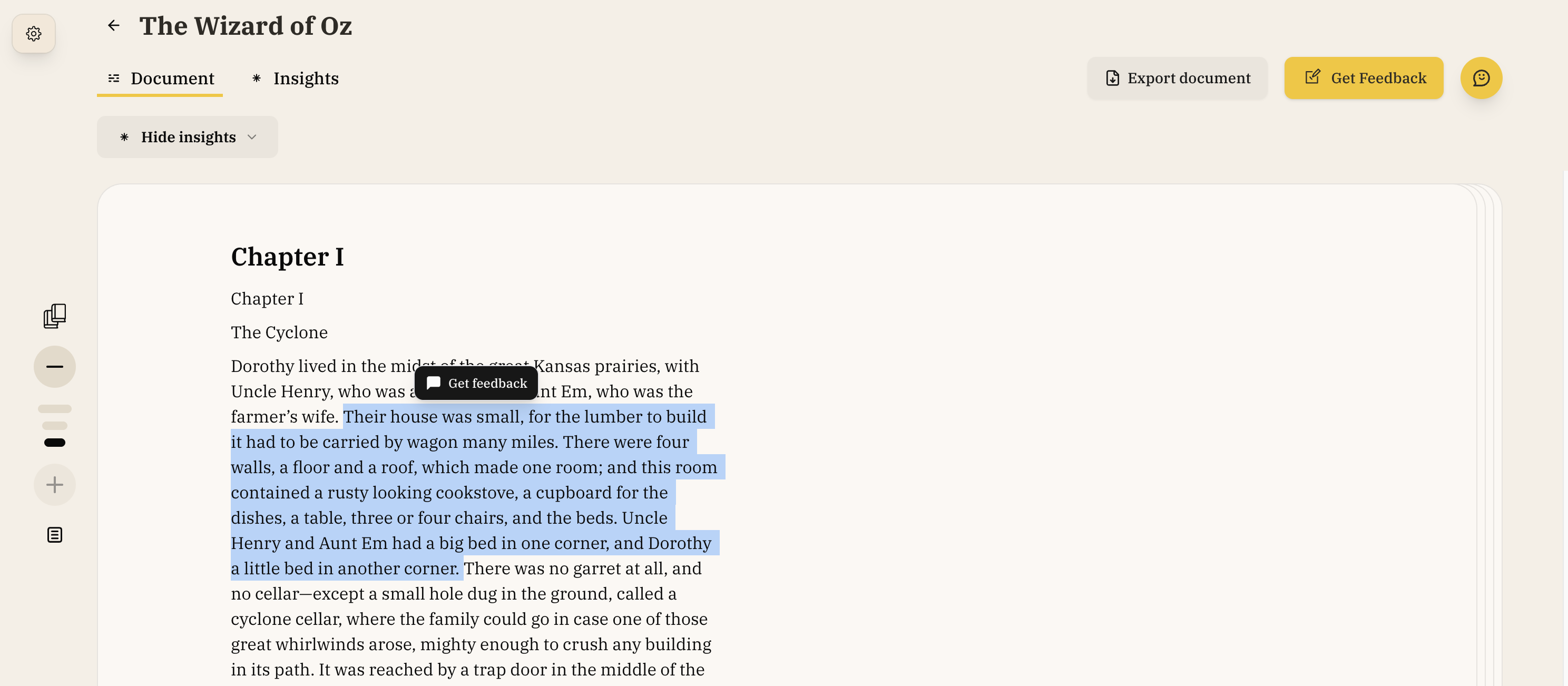
Open the Feedback Modal
- Highlight text and click the "Get Feedback" button in the hover menu, OR
- Click the "Analyze" button in the toolbar
Leave Your Own Comments
You can also leave your own comments on specific passages — useful for noting areas to revisit, flagging issues for yourself, or collaborating with others.
- Highlight text in the editor
- Click the "Comment" button in the hover menu
- The Comments Panel opens with a text box — type your comment and click Comment to save
- Your comment appears in the panel alongside AI feedback, with the highlighted text marked in yellow
Your comments can be edited, deleted, or resolved (which removes the highlight). Click a comment in the panel to see the available actions.
Choose Feedback Type
- Highlighted Text Feedback: Feedback will only be provided for the highlighted text. There won't be an option to select a section for feedback.
- Chapter-Level Feedback: Feedback will only be provided for the selected chapter
- Full Manuscript Feedback: Feedback will be provided for your entire manuscript
Select Feedback Categories
- Built-in Feedback Types: Choose specific feedback types (dialogue, pacing, character consistency, etc.). There are built-in feedback types for developmental edits and line edits.
- Suggested Feedback Types: Choose feedback types we think you might be interested in based on your manuscript. Learn more
- Custom Feedback Types: Create your own saved feedback type
- You must select at least one category for feedback
Processing Multiple Comments
The editor can process multiple feedback types simultaneously, allowing you to:
- Request several types of feedback at once (e.g., dialogue + pacing)
- See how different aspects of your writing interconnect
- Address related issues together for consistency
Chat Integration
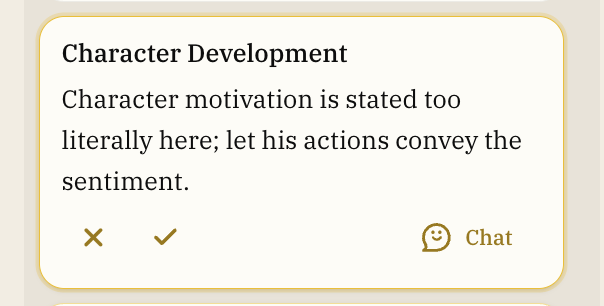
Every comment can be discussed in chat. Click the chat icon on any comment to:
- Get deeper explanation of the feedback
- Request alternative approaches
- Ask for help implementing changes
- Explore the reasoning behind suggestions
Best Practices
Be Specific About Your Goals
When requesting feedback, share your intentions:
- "I want this scene to feel tense"
- "This character should come across as unreliable"
- "The pacing here is intentionally slow"
This helps the editor provide feedback that aligns with your artistic vision.
Use Rules for Consistent Guidance
Define Rules for your project to ensure the editor consistently follows your preferences across all feedback and suggestions. Rules are especially useful for:
- Voice and style preferences
- Character consistency guidelines
- Dialect and language handling
- Genre-specific conventions
The editor automatically checks your Rules before generating any feedback, so your preferences are applied consistently throughout your project.
Use Action Items Strategically
You don't need to accept every action item. Consider:
- Which items align with your vision
- Which might improve your manuscript
- Which to discuss further before deciding
Combine with Plans
For extensive feedback, consider creating a plan with the editor to work through action items systematically. This helps you:
- Prioritize which items to address first
- Track your progress through revisions
- Ensure nothing gets overlooked