Custom Feedback Types
Beyond the built-in and suggested feedback types, Writers Room lets you create, save, and share your own custom feedback categories.
Creating Custom Feedback Types
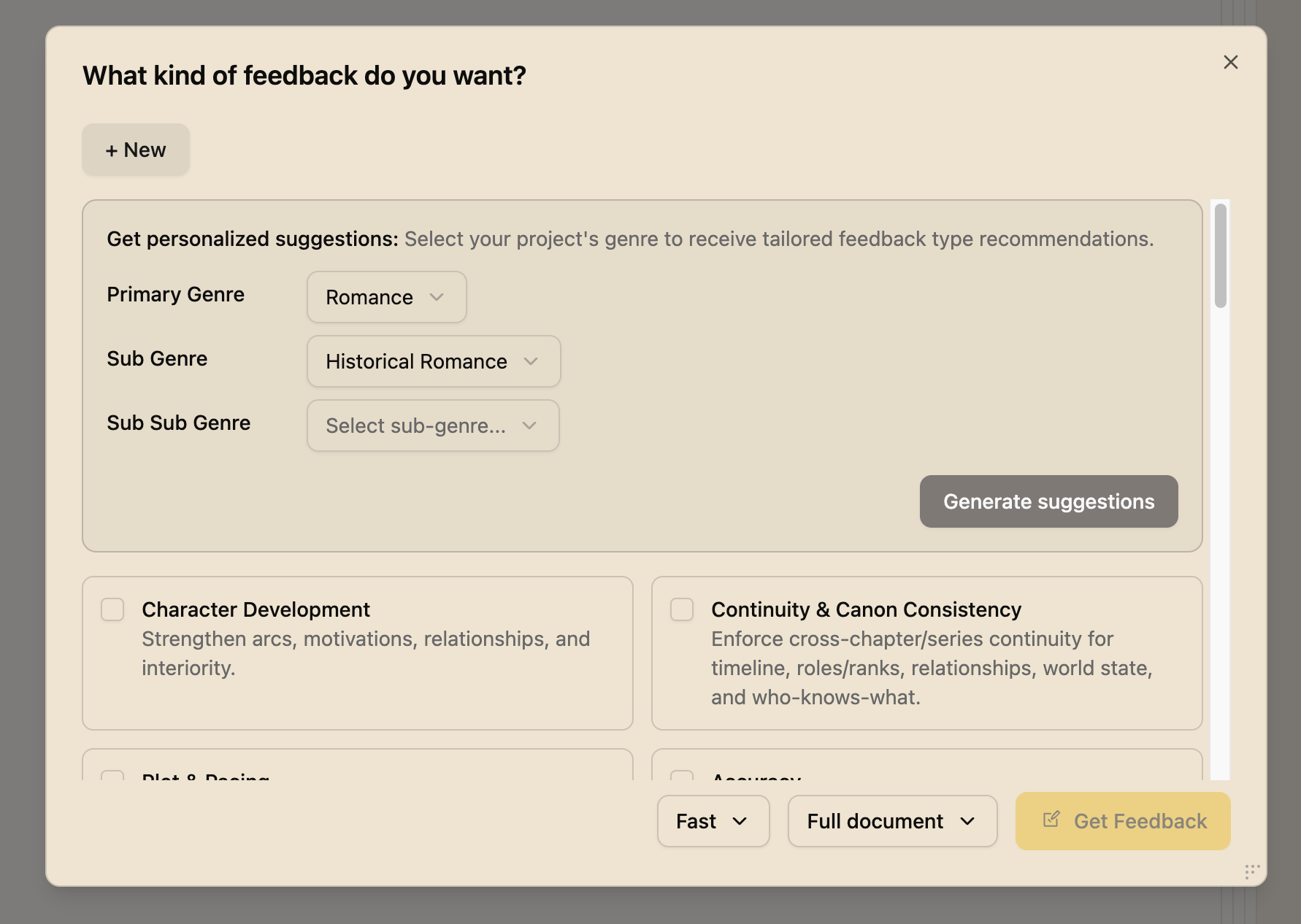
- Open the Feedback Modal by clicking the Analyze button
- Click Create Custom Type
- Enter a name for your feedback type (e.g., "Historical Accuracy Expert")
- Write instructions describing what this feedback type should look for
- Save your custom type
What Makes a Good Custom Feedback Type
When creating your own feedback type, include:
- Clear focus area - What specific aspect should be reviewed?
- Expertise context - What perspective should the reviewer take?
- Specific instructions - What should they look for?
Example: Maritime Navigation Expert
"Review this manuscript from the perspective of an experienced sailor. Check for accuracy in nautical terminology, realistic sailing conditions, and proper ship handling procedures. Flag any anachronisms or technical errors in maritime passages."
Managing Your Custom Types
Your custom feedback types are saved to your library and can be:
- Edited - Hover over the type and click the edit icon to modify
- Deleted - Remove types you no longer need
- Reused - Apply the same type across different projects
Publishing Custom Types
Share your custom feedback types with the Writers Room community:
- Create and refine your feedback type
- Click the Publish option
- Add a description for other users
Built-in Feedback Categories
Writers Room includes many built-in types organized by editing phase:
Developmental Editing
- Character Development
- Plot and Pacing
- Narrative Voice and Themes
- Setting
- Structural Edits
Line Editing
- Clichés and Overused Phrases
- Clarity
- Show Don't Tell
- Filter Words and Repetition
- Tone Alignment
Specialized
- Accuracy (for research-heavy manuscripts)
- Credibility
- Continuity and Canon
- Deepen POV