Understanding Zoom Levels
Writers Room offers two distinct zoom levels to help you focus on different aspects of your story. When you upload a manuscript, the app will automatically summarize the chapters.
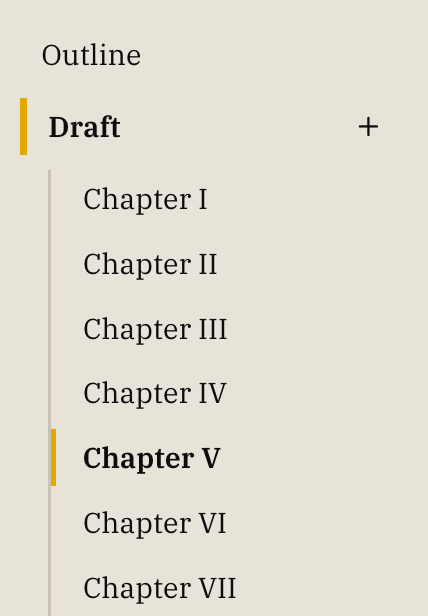
1. Chapter Level
- Shows high-level chapter breaks
- See chapter summaries and insights at a glance
- Ideal for reviewing narrative flow and pacing
2. Prose Level (Default)
- Shows the full manuscript text
- This is where you do your actual writing and editing
Pro Tip
The zoom level is saved in your URL, so you can easily return to specific views of your manuscript.