How to Export Your Document
Step 1: Open the Export Dialog
Click the "Export document" button in the top navigation bar. A dialog will appear with export options.

Step 2: Choose Your Format
- PDF: A universally compatible format, perfect for sharing and printing
- Microsoft Word (.docx): Editable format for further revisions or submissions
- When you export to Microsoft Word, you can optionally include comments from Writers Room in the exported document
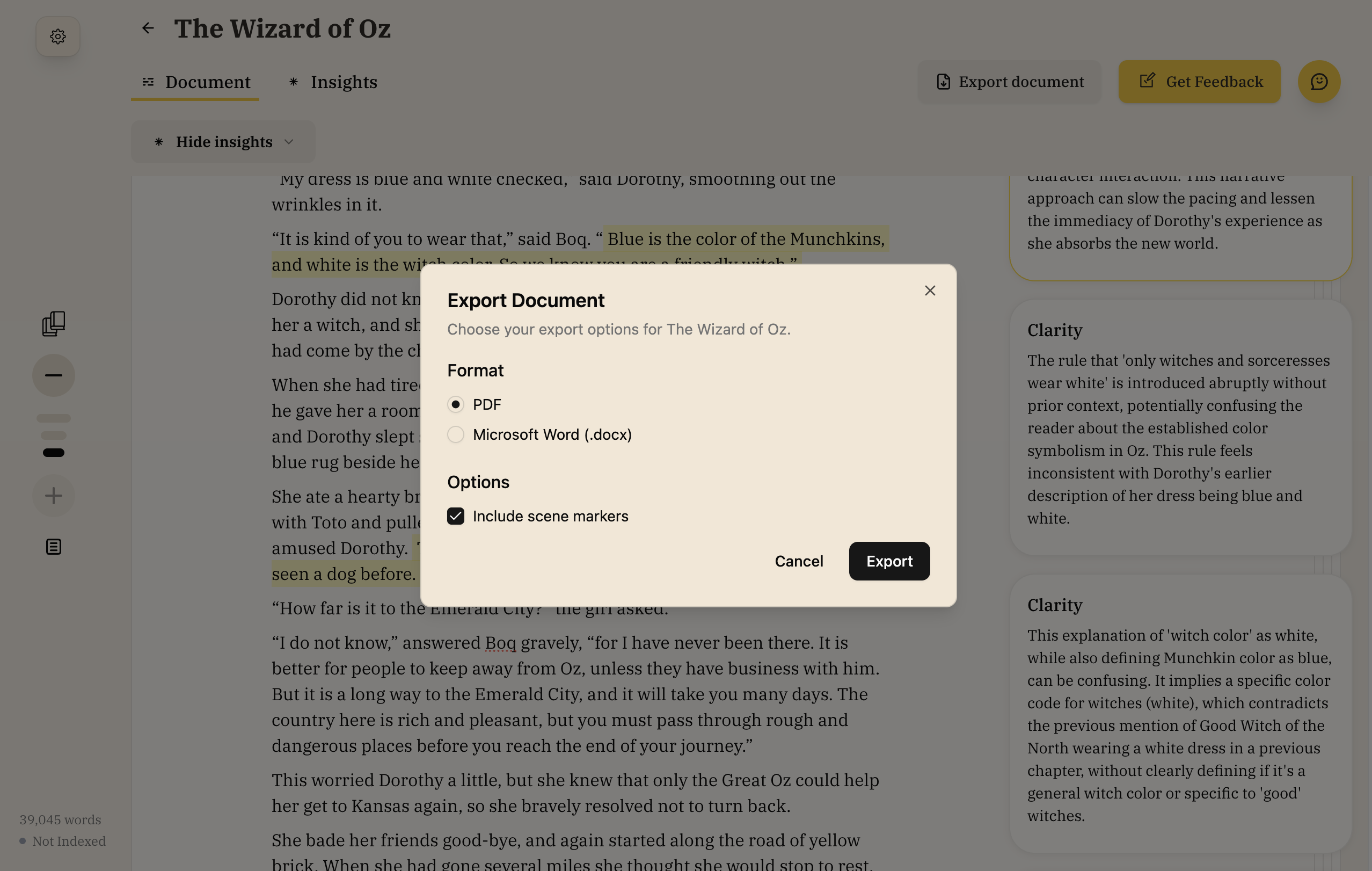
Step 3: Export
Click the "Export" button to download your document. The file will be saved with your project name and the current date.